Automation · 2026
Name Label Print File Generator from Marketplace Orders
Desktop app that turns online marketplace order sheets into print-ready label sheets
A desktop program that reads order sheets downloaded from several online marketplaces and builds print-ready label sheets, applying the text, artwork, font and size each order asked for. Orders it cannot interpret are set aside with a reason, so it is clear which ones need attention.
- Client
- Confidential client
- Category
- Automation
Overview
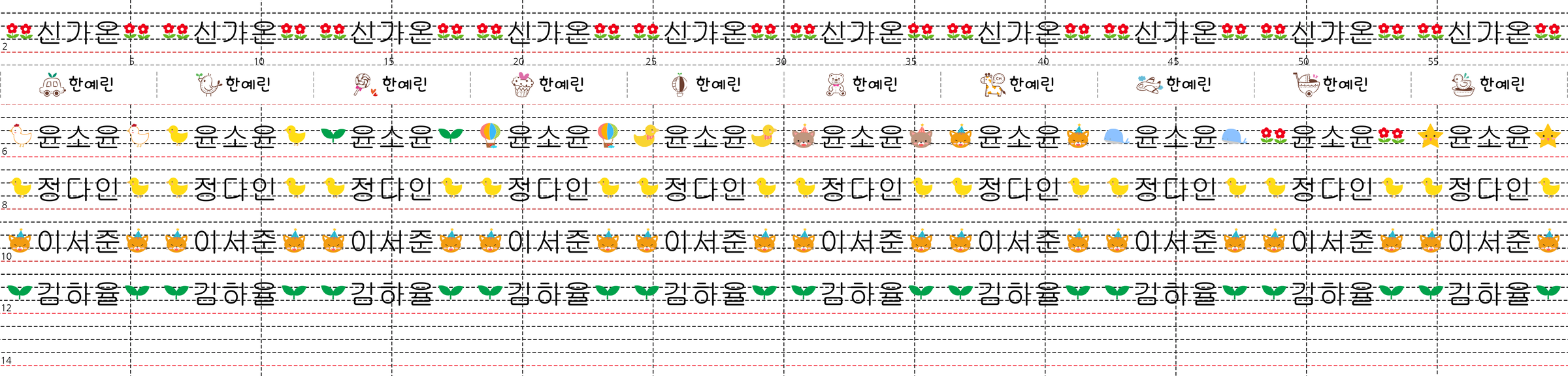
- Windows desktop program that produces print files for made-to-order fabric name labels sold online
- Used by the staff who produce and ship the labels
- Takes the order sheets downloaded from each marketplace and returns the sheet files handed to production
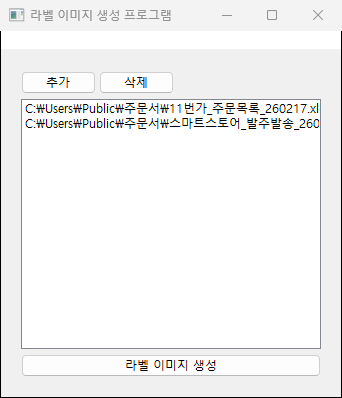
- Flow: add order sheets → generate label images → review results → pass print files on
Challenge
- Order sheets from four marketplaces, each in a different layout → separate reading rules per marketplace
- Order options arriving as free-form text in a single cell → text, size, artwork number and font number all have to be pulled out of a sentence
- Five label heights (1.5, 2.0, 2.5, 3.0, 4.0 cm), each fitting a different number of labels per strip
- Artwork sets and selectable fonts differing from product to product
- Some marketplace order sheets downloaded as password-protected files
- One malformed order must not stop the rest of the batch
Solution
- Marketplace identified automatically from the order sheet's header layout
- Product number matched to a label product, with text, size, artwork and font extracted from the option cell
- Orders that cannot be interpreted set aside with a reason, the rest processed as normal
- Errors reported by cause: unhandled product number, bad quantity, bad option, undefined design
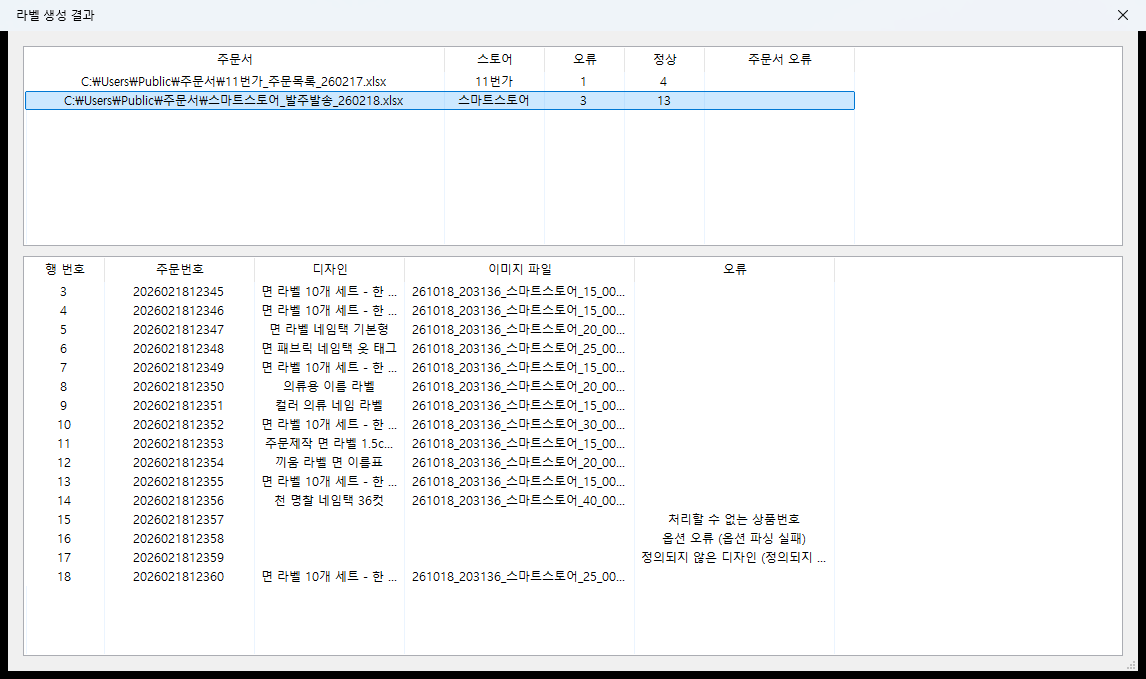
- Result screen showing per-sheet valid and error counts, plus the output file assigned to each order
- Order sheets from several marketplaces processed together in one batch
System architecture
Flow
- Marketplace order sheet → order parsing → label placement → print sheet file → result list
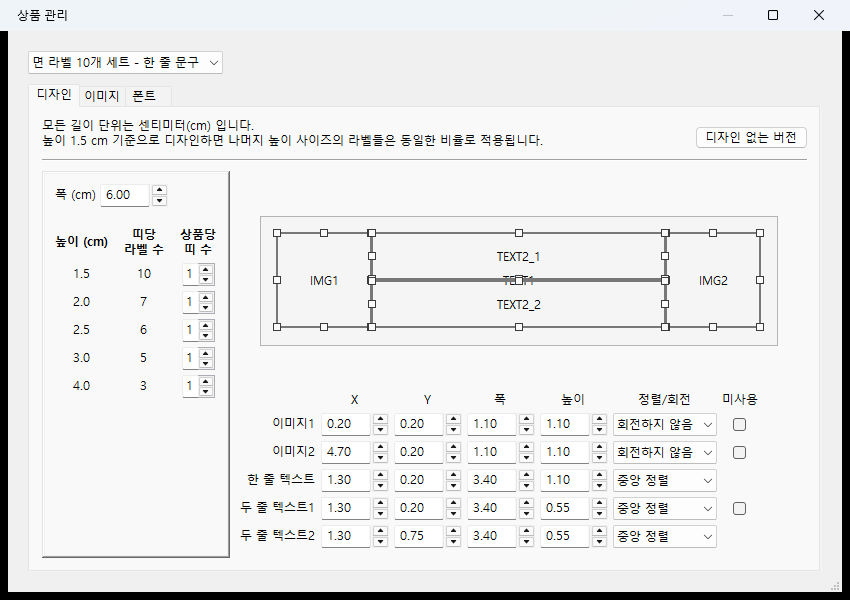
- One label holds two artwork areas and a text area, positioned and sized per product
- Print sheets generated at 60 by 32 cm, 300 dpi
- Labels filled across a strip, strips stacked downward
- A full sheet rolls over to a new sheet automatically
- Output files split by marketplace and label height → matching the print and cutting units
- Output is a PSD with a separate layer per label, leaving room for edits before printing
Product setup
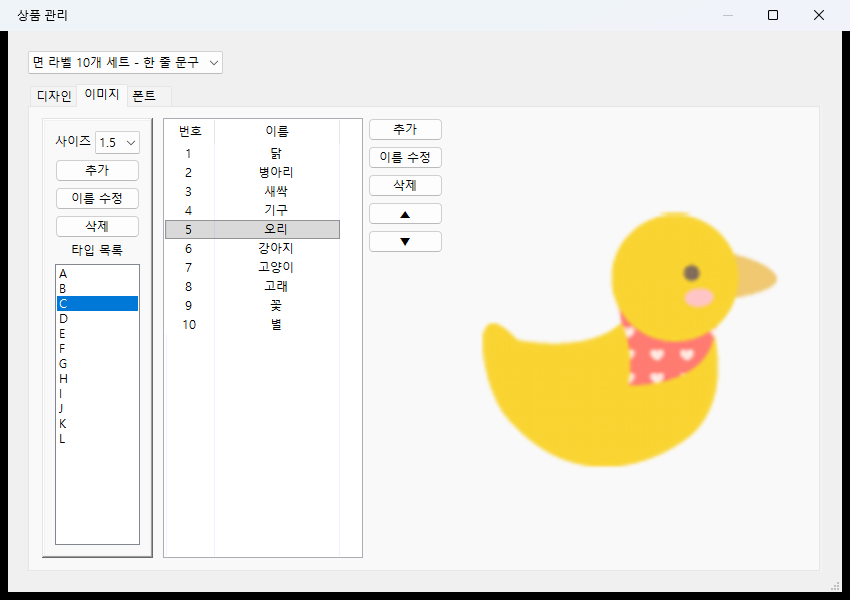
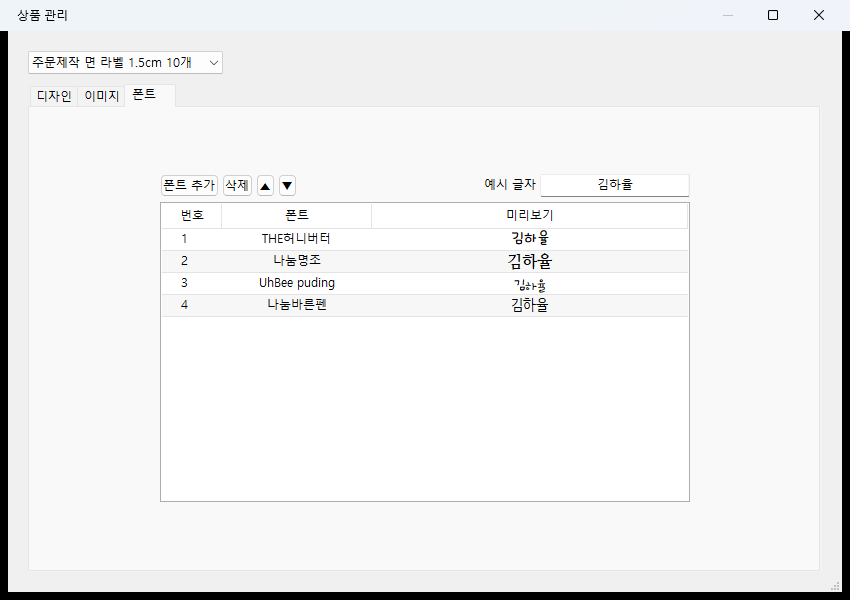
- Label width, artwork and text area positions, artwork list and font list stored per product
- Layout drawn once at 1.5 cm height, then scaled proportionally for the other heights
- The "no artwork" option kept as a separate layout
Implementation
- Artwork and text areas dragged and resized on screen, or entered as numbers
- Input limits recalculated so an area cannot run past the label edge
- Labels per strip recalculated and shown for each height as the layout changes
- Font size fitted to the box for the given text → long names stay uncut
- One-line and two-line text placed differently depending on the product option
- Orders without a specific artwork number cycle through that type's artwork
- Font files kept inside the program → identical output on a PC without those fonts installed
- Registered artwork converted to a standard color space (sRGB) with rotation data normalized → colors hold at print
- Password-protected order sheets opened with a supplied password
- Sheet files written several at a time
Result
- Downloaded order sheets go in, print-ready sheet files come out in one pass
- Per-order combinations of text, artwork, font and size applied without manual transcription
- Unprocessed orders left behind by cause, showing at a glance which ones to check
- Traceable record of which order landed in which print file
- Changes to the product lineup handled inside the program by editing artwork, fonts and layout
Technology
- Python
- wxPython
- Pillow
- psd-tools
- SQLAlchemy
- SQLite
- openpyxl
- PyInstaller
Screens
Have a problem that needs solving?
From software development to equipment integration and engineering, we can work out the approach that fits what your project needs.
Discuss a project