Business System · 2025
Live Multilingual Subtitle System
A desktop app that sends a typist's captions to the event screen and translates them into several languages at once
Captions typed at an event go out word by word as they are typed, and each completed sentence is translated and shown in a separate subtitle window per language. Two typists hand the sending turn back and forth, so captions keep running through long events.
- Client
- Confidential client
- Category
- Business System
Overview
- Desktop program for live captioning of talks and conference sessions
- Used by the typists producing the captions, the on-site operator, and the audience reading them
- Flow: host opens a room → typist and viewers connect → captions typed and sent → subtitle windows per language → transcript files saved
- One host, one partner typist, up to ten viewers
- Viewers receive only what has been sent, and place the subtitle windows on their own screen
Challenge
- Accuracy and speed drop when one person types through a whole event → a second typist needed
- Captions breaking or repeating at the point where typists switch
- Captions for foreign-language attendees requiring separate staff per language
- Captions falling behind the speaker when nothing goes out until a sentence is finished
- Screen size, background brightness, and viewing distance differing at every venue
Solution
- Word-by-word sending, so captions keep up before a sentence is complete
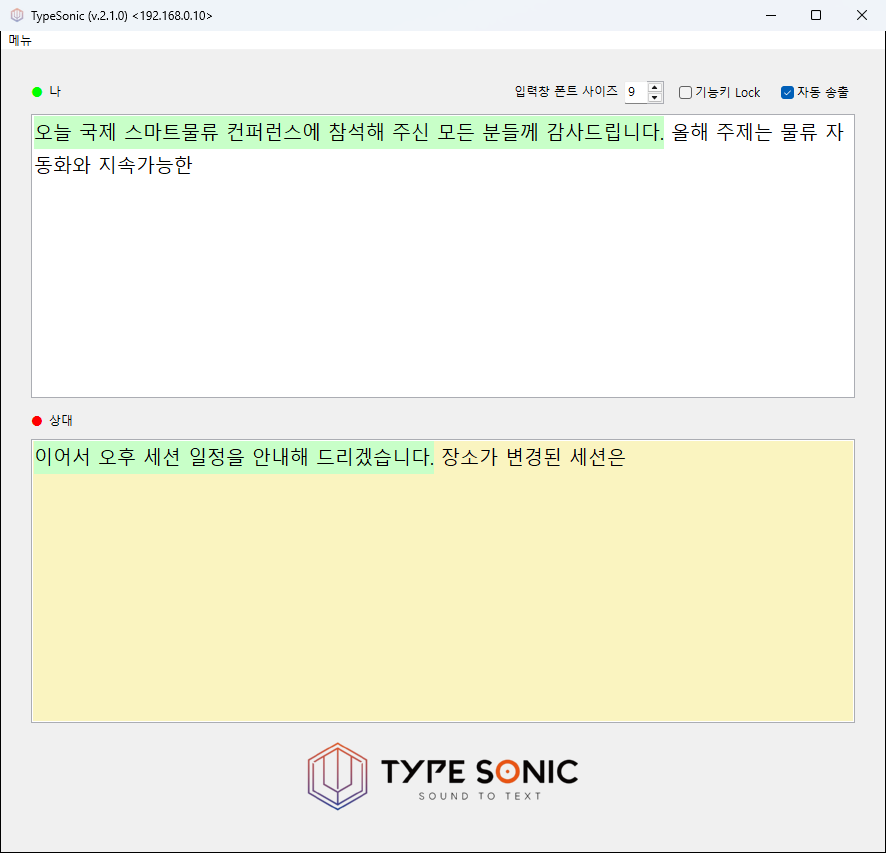
- Auto-send mode holding back only the last three words → room to fix typos before they go out
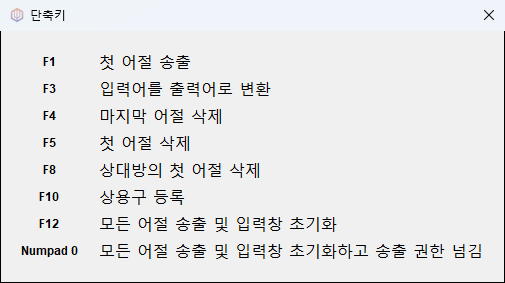
- Function keys for sending and deleting (send first word, delete last or first word, send everything and clear the box)
- Sent text marked by background color and locked against editing → no duplicate or missing captions
- Turn handover between two typists → captions continue across the switch
- The partner's in-progress line mirrored live → a clear cue for when to take over
System architecture
Setup
- Typist and viewers connect to a single host over the same network
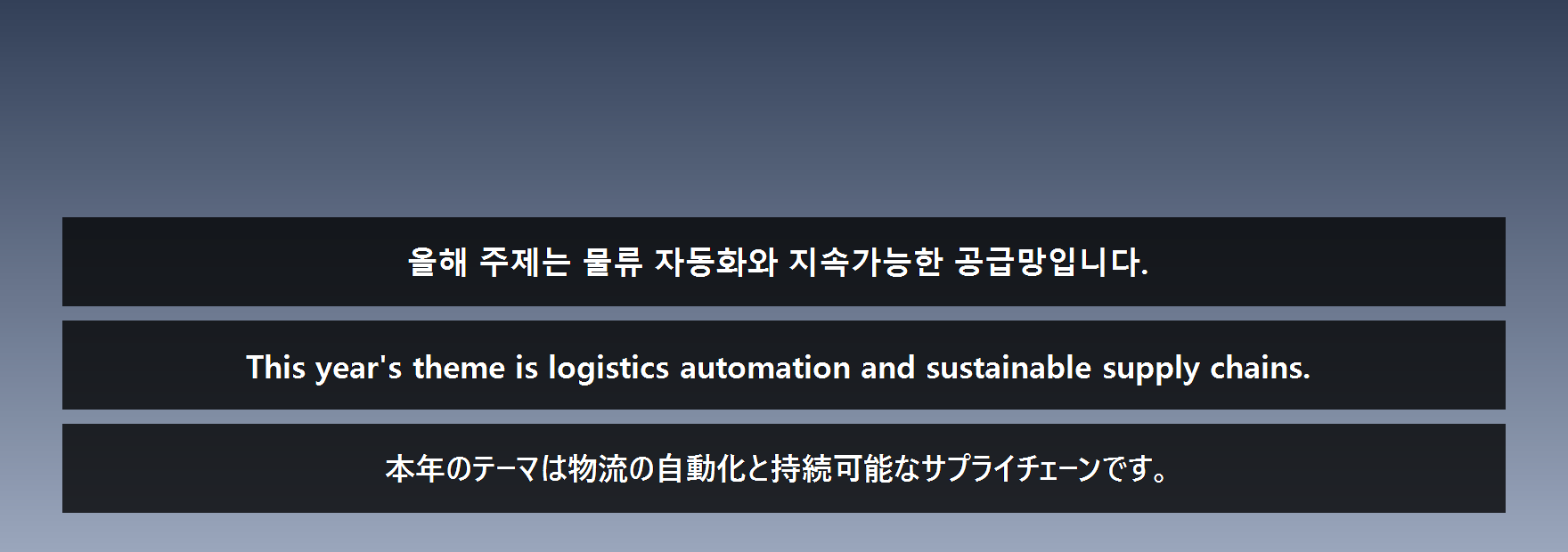
- One borderless subtitle window per language, placed over the presentation screen
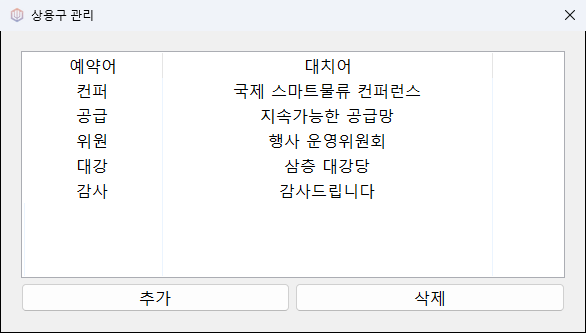
- Subtitle, transcript, settings, and phrase windows opened side by side during an event
Flow
- Typing → word sent → end of sentence detected → translation per language → subtitle window and transcript file
- Original-language captions go out without waiting for translation; translated captions follow sentence by sentence
Implementation
- Sentence boundaries detected from periods, question marks, exclamation marks, and line breaks → no half sentences sent for translation
- The previous sentence and its translation passed along with each request → consistent context and terminology
- All target languages translated in parallel → captions stay on time as languages are added
- Post-processing rules for translated text written by the operator (external code loading blocked)
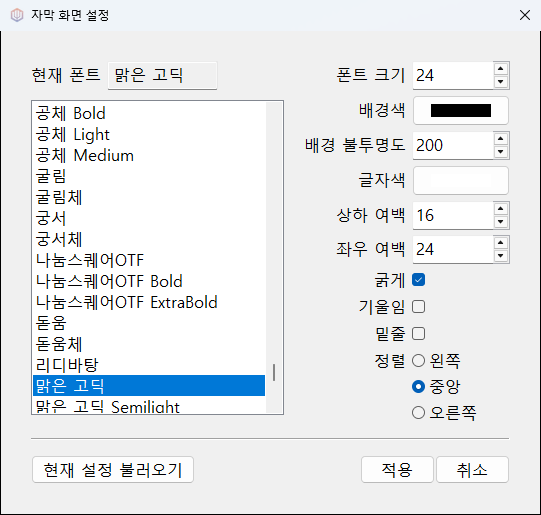
- Subtitle windows moved and resized by mouse, with background opacity from 0 to 255 for overlaying the presentation screen
- Visible line count derived from window height and font size; Chinese and Japanese, which have no word spacing, wrapped by character
Result
- Captions running without a break through long events, with two typists alternating
- Original and translated captions sent in the same layout → multilingual captioning without staff per language
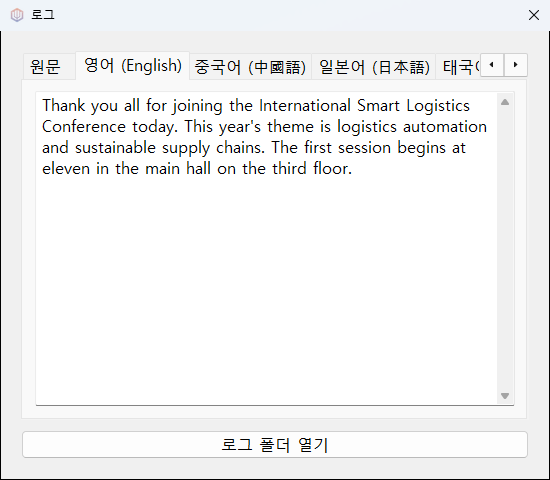
- Subtitles in English, Chinese, Japanese, Thai, Spanish, Arabic, Portuguese, and French
- Subtitle size, color, position, and transparency adjusted on site
- Everything sent kept as a text file per language, usable as a transcript after the event
Technology
- Python
- wxPython
- OpenAI API
- TCP Socket
- Win32 API
Screens
Have a problem that needs solving?
From software development to equipment integration and engineering, we can work out the approach that fits what your project needs.
Discuss a project